Skip to content
← All talks

The talk

Incidents & Accidents

Delivered 3 times · 2018
Slides
Download PDF
Incidents & Accidents, slide 1 of 54Incidents & Accidents, slide 2 of 54Incidents & Accidents, slide 3 of 54Incidents & Accidents, slide 4 of 54Incidents & Accidents, slide 5 of 54Incidents & Accidents, slide 6 of 54Incidents & Accidents, slide 7 of 54Incidents & Accidents, slide 8 of 54Incidents & Accidents, slide 9 of 54Incidents & Accidents, slide 10 of 54Incidents & Accidents, slide 11 of 54Incidents & Accidents, slide 12 of 54Incidents & Accidents, slide 13 of 54Incidents & Accidents, slide 14 of 54Incidents & Accidents, slide 15 of 54Incidents & Accidents, slide 16 of 54Incidents & Accidents, slide 17 of 54Incidents & Accidents, slide 18 of 54Incidents & Accidents, slide 19 of 54Incidents & Accidents, slide 20 of 54Incidents & Accidents, slide 21 of 54Incidents & Accidents, slide 22 of 54Incidents & Accidents, slide 23 of 54Incidents & Accidents, slide 24 of 54Incidents & Accidents, slide 25 of 54Incidents & Accidents, slide 26 of 54Incidents & Accidents, slide 27 of 54Incidents & Accidents, slide 28 of 54Incidents & Accidents, slide 29 of 54Incidents & Accidents, slide 30 of 54Incidents & Accidents, slide 31 of 54Incidents & Accidents, slide 32 of 54Incidents & Accidents, slide 33 of 54Incidents & Accidents, slide 34 of 54Incidents & Accidents, slide 35 of 54Incidents & Accidents, slide 36 of 54Incidents & Accidents, slide 37 of 54Incidents & Accidents, slide 38 of 54Incidents & Accidents, slide 39 of 54Incidents & Accidents, slide 40 of 54Incidents & Accidents, slide 41 of 54Incidents & Accidents, slide 42 of 54Incidents & Accidents, slide 43 of 54Incidents & Accidents, slide 44 of 54Incidents & Accidents, slide 45 of 54Incidents & Accidents, slide 46 of 54Incidents & Accidents, slide 47 of 54Incidents & Accidents, slide 48 of 54Incidents & Accidents, slide 49 of 54Incidents & Accidents, slide 50 of 54Incidents & Accidents, slide 51 of 54Incidents & Accidents, slide 52 of 54Incidents & Accidents, slide 53 of 54Incidents & Accidents, slide 54 of 54
In the course of #opslife, we run into production incidents. How do we best manage them to avoid 3am misery? Matt Stratton of PagerDuty joins us to talk about just that.

Major outages, incident calls, war rooms, whatever you want to label them, can be stressful and frustrating experiences. However, we aren't the only industry to have run into these problems. What can we learn from others on how to have a relatively stress free experience? How can we shorten the time that it takes to get back to a working state when things are broken?

This talk will provide some comparisons to responses in other industries, and then go through several patterns and processes any team or company can use to have a quick, visible, and easy time responding to problems.

Incident Response#PagerDuty

Every delivery (3)

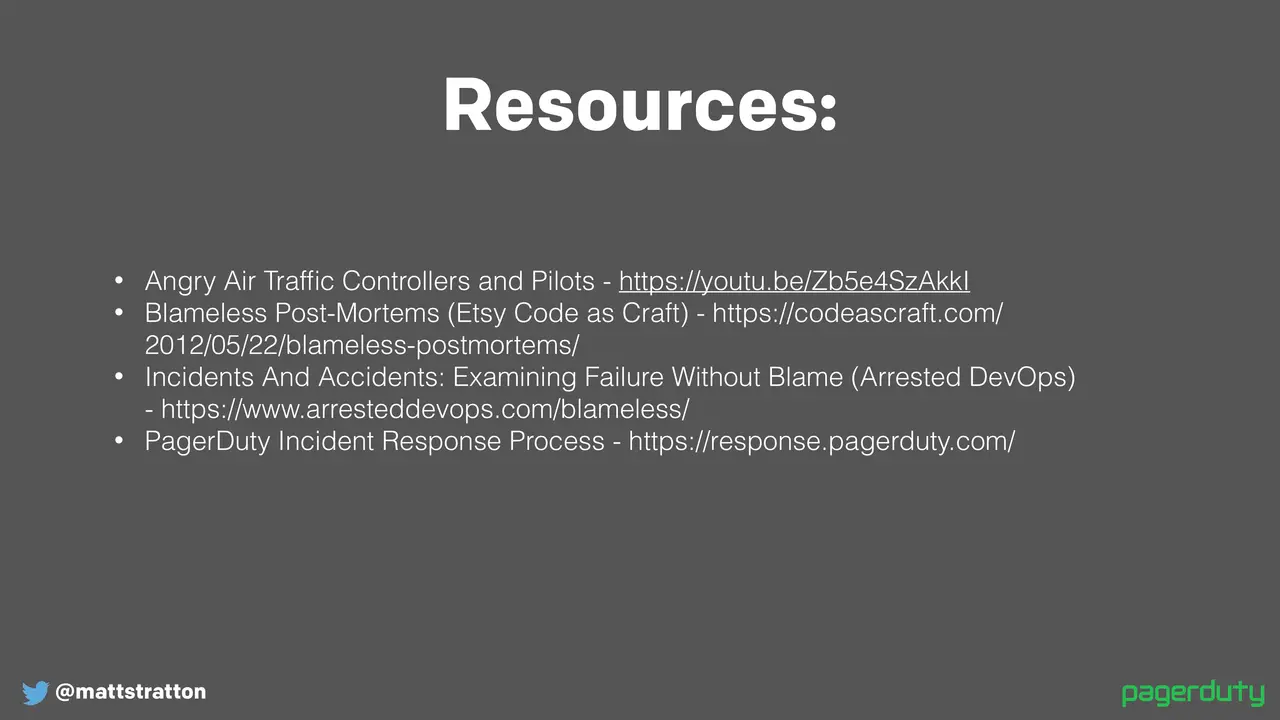
Resources

Transcript · 9,166 words · ~46 min read

Lightly edited for readability from the video’s captions. Download as text

My name is Matt, or Matty — you can go by either. I'm really excited to be here. I haven't been to the Kansas City DevOps meetup for probably about three or four years. I was here piloting a talk a few years ago that Aaron very nicely let me test out, which was pretty great. It was called "Making Infrastructure S'mores with Chef." There's a conference up in the Wisconsin Dells called That Conference — it's a summer camp-oriented conference, hence the camp name. Anyway, let me get myself set up here and then I'll tell a little bit more.

I don't tell a whole lot about myself because at DevOps Days Charlotte a gentleman named Corey Quinn actually gave an ignite talk that was pretty much making fun of the fact that most speakers feel the need to give you their entire resume before they speak, so you could be like "this is why you should listen to me." So the reason you should listen to me is, well, because you know I'm here, so that's kind of legit.

So we're gonna — there's an audio part of this deck, which we'll see how well it works. If not we'll just have to kind of do it live, it'll be great. The talk is called "Incidents and Accidents" and if you understand the reference of that then more power to you. I'm a DevOps evangelist at PagerDuty. I've got some PagerDuty swag back over on the table behind the pizza — some stickers and also some stuff for my podcast. Before I get started, I just have a slide of my kids to get you on my side, because they're like "oh look he has cute kids he's got to be a real human."

So who here has been on one of those phone calls when you're trying to troubleshoot an issue, something's going terribly wrong, and you're trying to problem-solve with fellow human beings? Many people have had to do that. How many people super loved that and want to do it all the time? That's like none of us, right.

So when we're working on incidents they can be really tough, but there's definitely ways to make them less stressful, and that's a lot of what we're gonna be talking about today — how can we make this a less stressful experience. A lot of organizations have process and structure around how they do incidents.

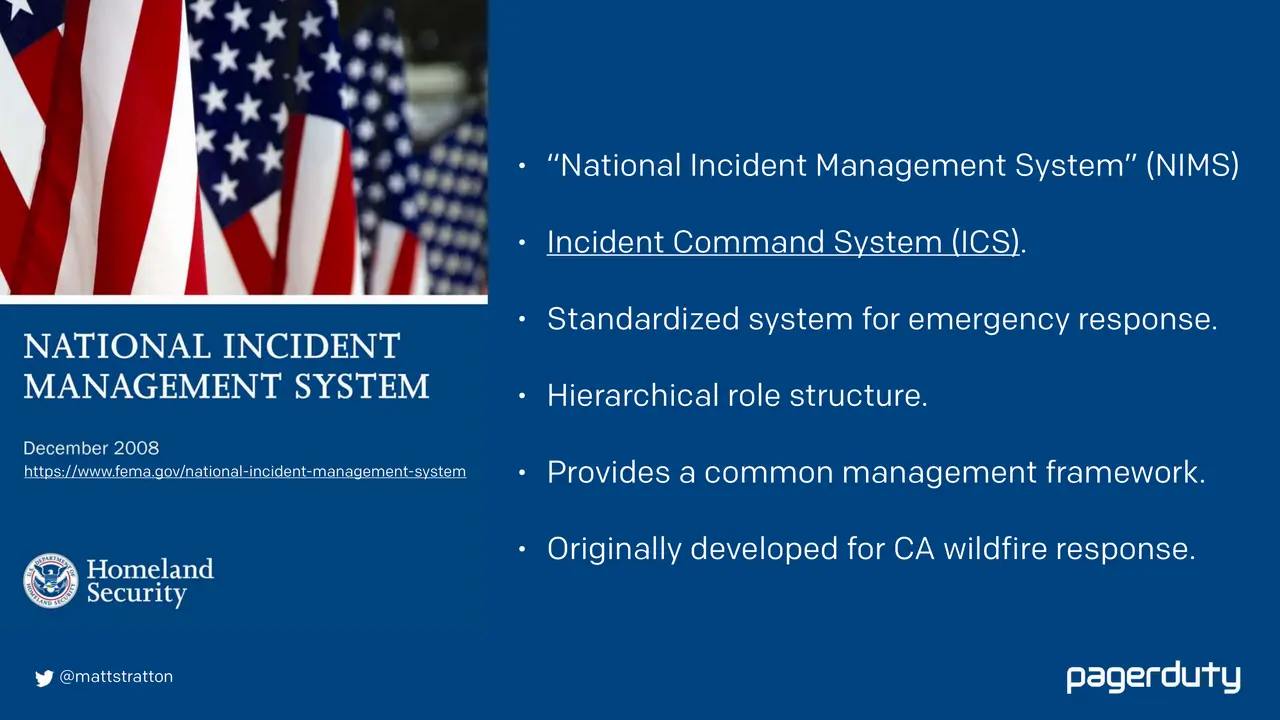
Thing is, a lot of times we will have process for incidents but we kind of make it up as we go along, when in reality we can borrow from other industries. This is something that I think we've learned in IT, or at least hopefully we've learned: we've learned to profit from the mistakes of others, shall we say. We started learning this when we think about the principles that DevOps espouses. This all comes from the fact that these are solved problems that were solved by the manufacturing industry decades ago. We're getting over this idea that knowledge workers have different problems than the rest of the world, when in reality all the problems we have somebody else has already had, and there are probably other practices and other disciplines that have already helped solve for this. We can learn from them and build on the shoulders of those giants.

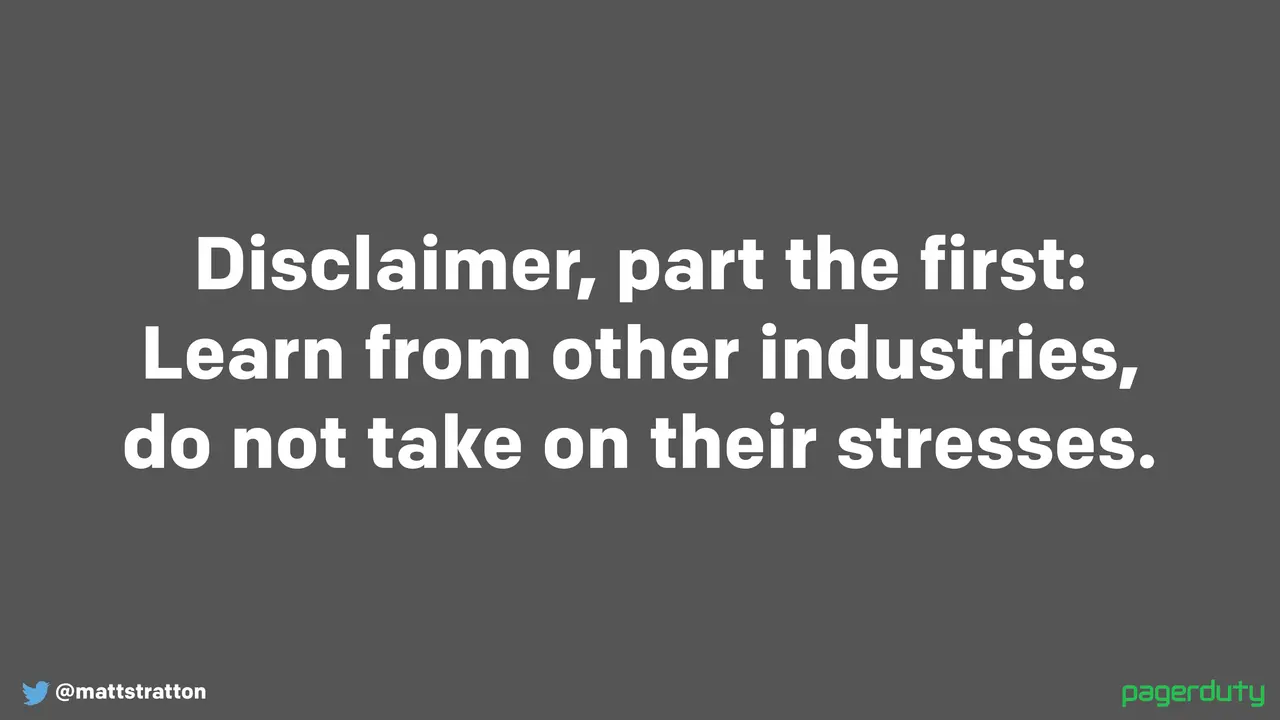
So I've got a couple disclaimers. First one is we're gonna learn from these other industries but we're gonna try not to take on their stresses. We're gonna talk about a lot of stuff — some comes from the industry of air traffic control, some comes from first responders, and these are folks who deal with literal life-or-death situations. If you're a first responder you're going and saving people's lives. If you're an air traffic controller, as the movie says, you're pushing tin — you're kind of dealing with these giant metal tubes that people like me fly around in and you're trying to make sure they don't hit each other. This is a very, very stressful position. So we want to inherit the interesting things that we can learn from these industries but we don't want to take on their stress. There's generally no reason that a system administrator needs to have the same stress level as an air traffic controller, although it may seem that way sometimes. Hopefully most of us don't work in situations where a down system could potentially affect someone being able to live or die. These things do happen, but usually we're not dealing with systems that run nuclear reactors or things of that nature. If you do deal with systems that have that type of impact on humans, that's an awesome responsibility and I absolutely have nothing but respect for carrying that mantle. But most of us don't have to deal with that, so we don't want to take on those stresses.

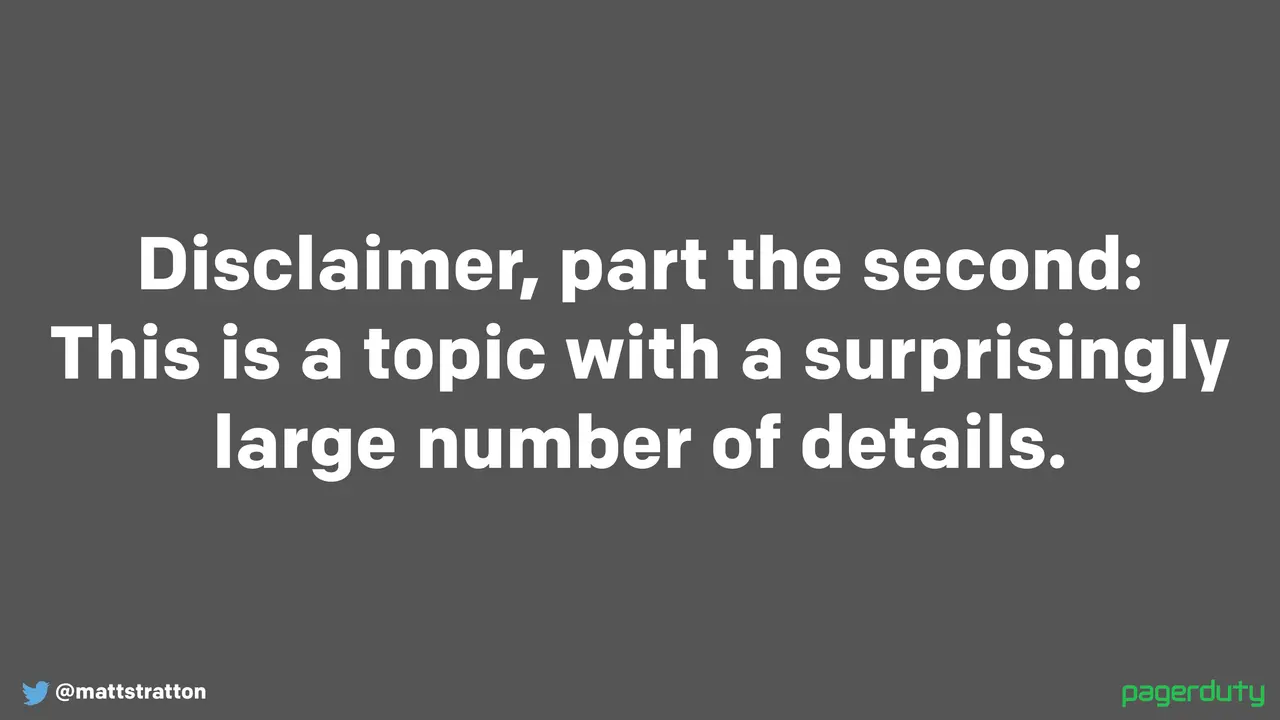
The second disclaimer is that this is a topic that has a surprisingly large amount of detail. It might seem as simple as: we'll get on a bridge, we'll work the problem, and then the site will get back up — the end. But in reality incident management and dealing with incident response is a very complex system because there are lots of things involved, especially lots of messy humans. So when we think about it there are things like the impact to the business, the commercial response that we have to make, the business continuity plans we might have to follow, all the way through organizational factors like what team owns which thing, and also individual psychology and how different individuals deal with stressful situations. This is a very short talk and we will only talk about a little bit of this. Bear in mind that this is not the be-all and end-all of everything that's going to be involved when you're managing incidents.

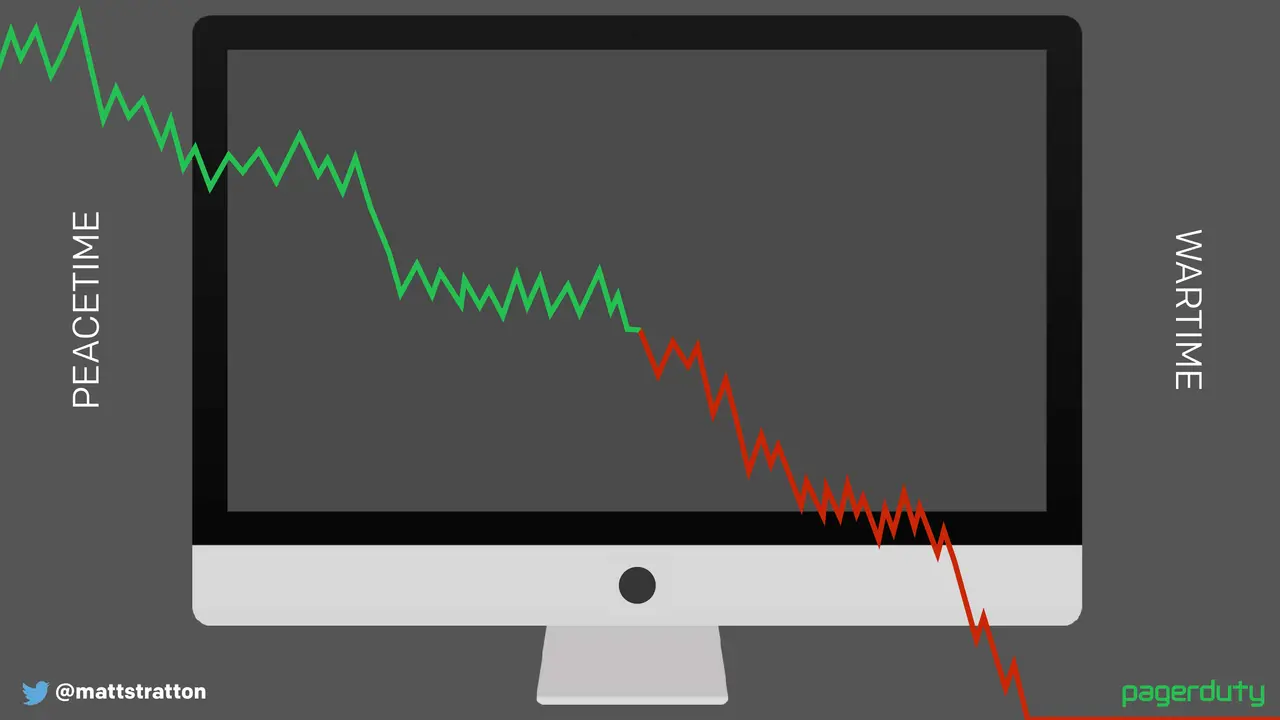
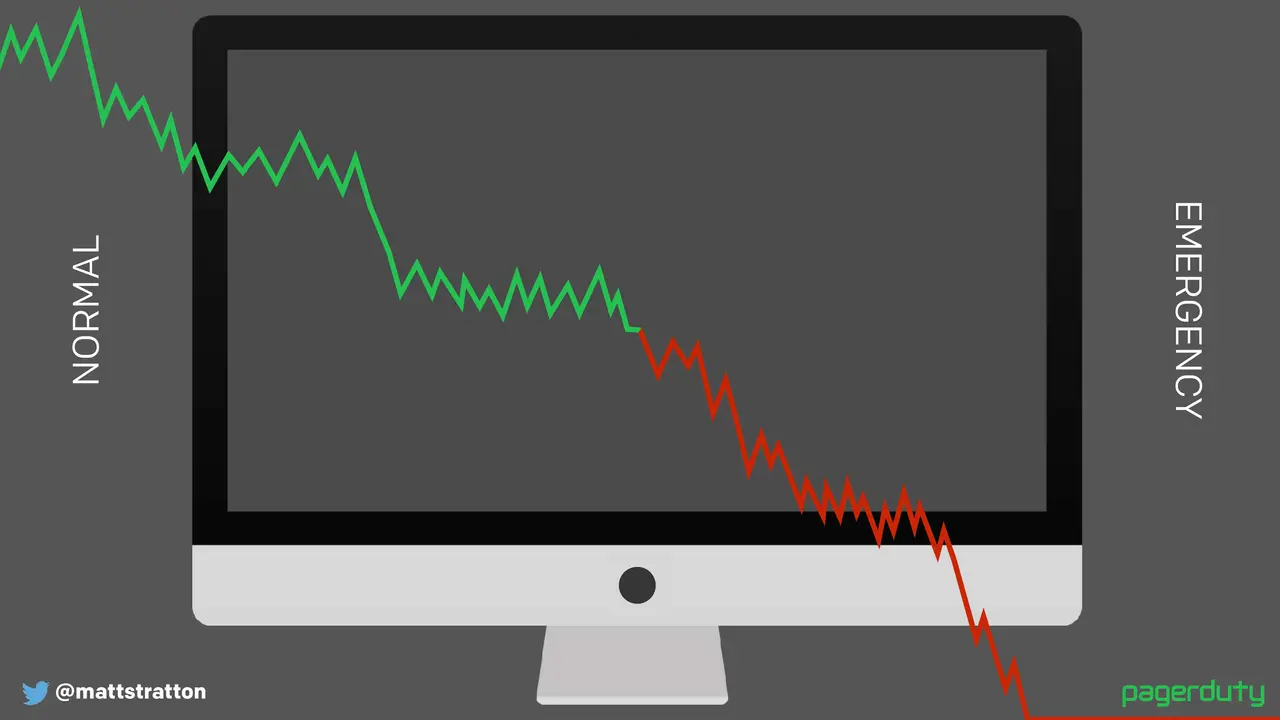
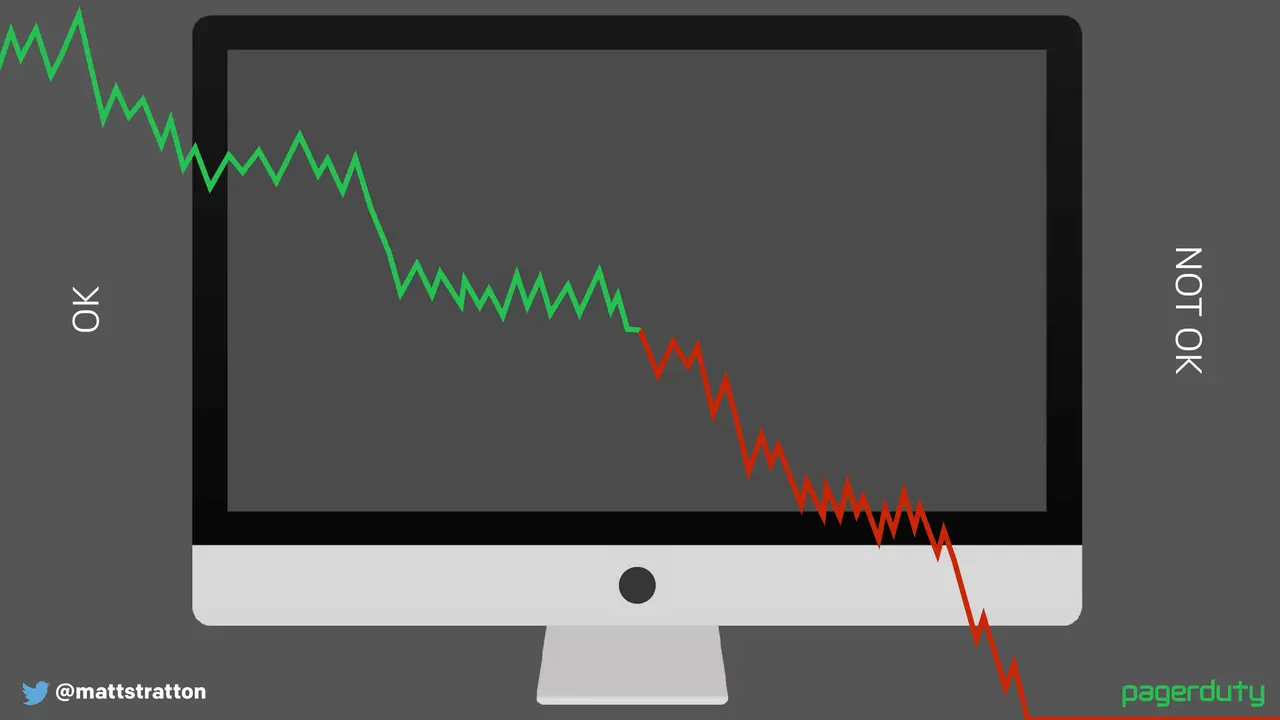
So one of the things that's really important is that when we think about an incident, I want to stress this idea that there's a distinction between normal operations and there is an incident in progress. We switch decision-making from peacetime to wartime, from day-to-day operations to actually defending our business. Think about it this way: fire isn't an emergency to the fire department. You expect a rapid response from a group of professionals that are skilled in the art of solving whatever issues you have. The way that you operate your role hierarchy and the level of risk you're willing to take will change as we switch from peacetime to wartime. I know a lot of us don't like the paramilitary metaphor, so we could do things like "normal" and "emergency." I don't really care — it's totally fine. You could even just say it's called "okay" and "not okay." The thing that matters is you're making a mental switch, a shift from business as usual to "stuff's on fire, yo."

Now I should give a little bit of background. I'll be speaking a lot about how we do incident response at PagerDuty. This is not about how to use PagerDuty to do incident response. PagerDuty is super great at doing that, and if you do things the way that we do it within our own organization you'll probably have a great day — but you don't have to. To follow any of these practices you don't have to use our product, which is a great thing to hear.

So I'm going to talk a little bit about how we do incident response at PagerDuty. These are things that we learned again from first responders and some common ways of doing things. We're gonna break this up into three sections: we're gonna talk about the before, the during, and the after. So these are the things that you should do before there's an actual call at all, before anything actually goes wrong; the things that happen during the incident; and then the part that most people forget about is the things to do after. Because usually this is when it's 3:00 in the morning and we're done and all you want to do is go to bed — and I'm sorry, there's still a little bit more that we have to do. There are different things to perform and consider at each of these phases, and all three of them are equally essential. We always think about "during" — during is where we focus — and "during" can actually quickly become the easy part because we know how to do that, we know how to solve a problem usually.

So we're gonna talk about the before. These are things to think about before anything goes terribly wrong — things you can do today, tomorrow, whatever. This is really important: you need to have criteria defined before anything happens about what actually causes an incident, what an incident actually is. These are things that should be driven by business-related criteria. For example, order value may be 20% less than normal at this particular time of day — that's a business-driven metric, that's something that matters. System-level alerts like CPU utilization, disk usage, disk space, memory utilization — these are not the criteria to determine that something requires a call. You don't have a call because of high CPU. The impact to the service may be driven by that, and these may be indicators that help trigger the need to make a decision, but they in and of themselves are not a thing to say "this is an actual incident or major incident." I always go back to a scenario where I used to get paged and it said "oh my god we're having these problems with our database server, it's using 90% of the CPU." We're like — it's supposed to, it's using all of it. That's what we want in this particular case. We're just so used to wanting to say "oh memory utilization is so high," but that's why we have 24 gig of RAM in that server — so we can use it. But again, if that's abnormal, if that's not something that's normal, and more importantly if it's affecting our service, then it super matters.

So if you're not sure whether something is an incident, you don't know whether to respond to it, this is what we call an incident at PagerDuty — yours might be different, that's okay. Just make sure that you have it defined somewhere and you keep it simple so it's easy to understand. We say it's any unplanned disruption or degradation of service that's actively affecting customers' ability to use the product.

What we're gonna talk about a little bit here is what's a major incident, because when we talk about these ideas of incident command, these are things that are usually related to what we would call a major incident. At PagerDuty we consider it a major incident when it affects multiple teams or multiple services. So if it's just one service that's having this particular issue, it's not a major incident. Notice "major" does not necessarily mean it's more or less important — it just has to do with how we solve the problem, because it becomes infinitely more complex when we have multiple teams and multiple services involved versus something that's happening just within one part of the application.

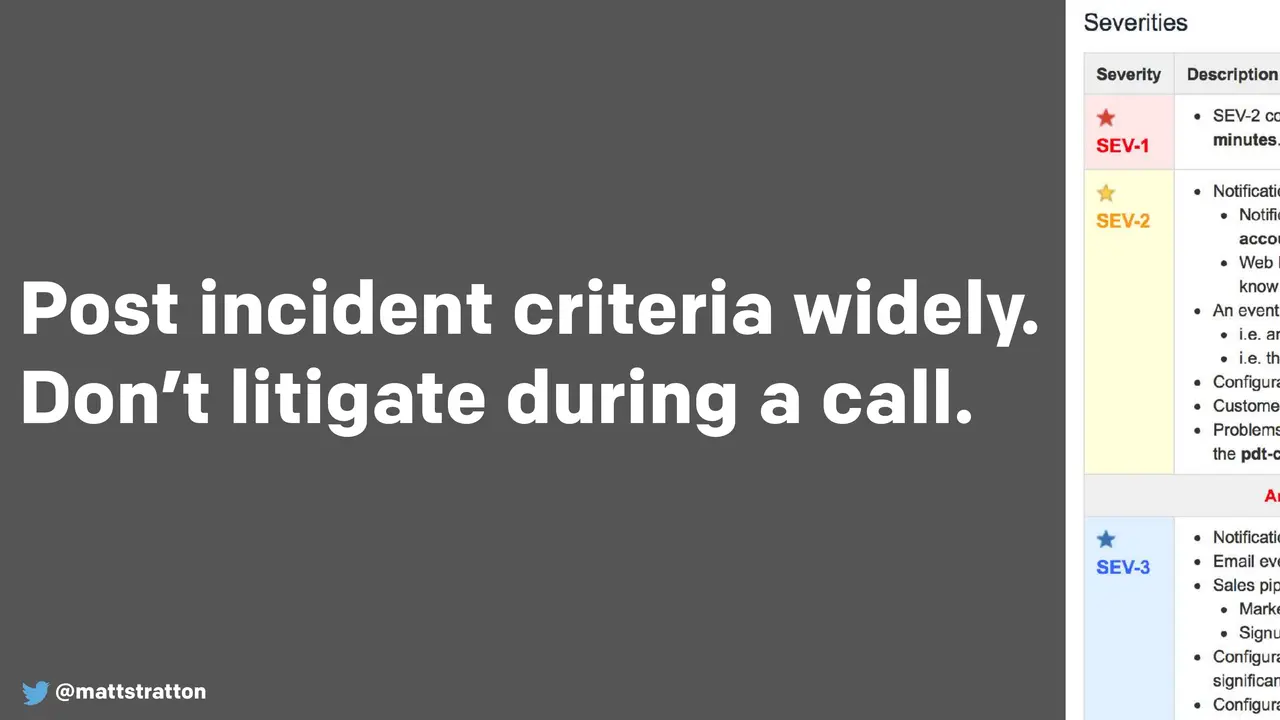
So this is important: you want to post your incident criteria widely. You don't want to litigate during a call. I can't stress enough this particular sentence — don't litigate during a call. Do this beforehand, because we don't want to be arguing about whether or not this is important while something's going on. The call is the time to solve the problem, it's not the time to argue about how important the problem is. During an incident it can be really difficult to make complex business-impact decisions because everyone's kind of frazzled, everyone's under a lot of stress. We need to have this stuff figured out when we have the luxury of time to be able to evaluate what is the actual business impact and have the proper discussions with stakeholders — not when we're waking them up at 3:00 in the morning. All these terrible things seem to happen at 2:00 or 3:00 in the morning.

This also makes it clear to everyone involved in the process why we're doing the things that we do, why we made that flip from peacetime to wartime, from normal to emergency — because we're gonna do things differently than people are used to and we're gonna make some people uncomfortable while we're doing this. So it's really important that we don't have to explain it while it's happening. We want to post it widely because stakeholders and people who are not directly involved with the incident are gonna want to know what's going on.

So in our case we have what we call a SEV1, a SEV2, a SEV3. That's common to refer to things as severities. You could call them impacts, you could call them emergency levels, you could call them the King of France for all I care — it doesn't matter. The thing that matters is that you define what makes something be one of these and when might it move from one severity or one impact level to another, so you don't have to argue about it later. Because even if you post it widely and disseminate it widely, people are still gonna argue about it during the bridge, but at least you have somewhere to point them to.

We want to monitor the business criteria and act accordingly. Using tools like SolarWinds or Nagios that are watching things like your CPU utilization, your network bandwidth, your disk space — these are all great — but you want to have something that's gonna look a little higher because we actually care about the service. We want to be service-oriented, one might even say. If you think about something like New Relic or Datadog, or any combination of these tools that can help you understand how your application is performing, I usually find that lower-level system monitoring tools are really helpful for forensics, but you're gonna get really flappy, really false-positive-type alerts if you're depending on that. Because again, the point of your company is not to make effective use of the CPU on all of your systems — it's to sell shoes, assuming that you're a company that sells shoes. If you're an insurance company then don't try to sell shoes, ideally.

Your business or service-level monitoring should work automatically to engage and start the process of an incident. We do a lot of that at PagerDuty where we have automated trips and alarms. It's nice to have your monitoring and your business-level monitoring be able to automatically create an incident. A sidebar to this is: automation is great, but that shouldn't be the only way it can be done. It's really important that any human can raise an incident. One of the fellows who helped put together our incident response process at PagerDuty is fond of saying: "I want the janitor who's cleaning up at 2:00 in the morning to be able to glance over at a dashboard and see that things look bad and be able to declare a SEV1." And he's not wrong. We tend as humans to be leery of marking something as an incident, probably for good reason because it's usually a painful thing that we're about to create. But one of the things to bear in mind is it's always better to err on the side of starting an incident call and starting your incident response process, and then determining it wasn't necessary — because the worst thing that happened out of that is you got practice at doing incident response. If you wait, a SEV3 could become a SEV1.

So automation is something you want to have, but always have the human able to pull the fire switch. You also have to watch your Watchers. At PagerDuty it's kind of important for us that we're delivering notifications to you in a timely manner, because otherwise the product isn't very helpful. If notifications are delayed, you're like "oh great PagerDuty, thanks for telling me that 20 minutes ago things started going terribly terribly wrong." So we have a system that's constantly checking how long it's taking. That's great to have — a monitor that's telling us our business-level things. But we're also watching that monitor, because if we're not getting data from that, that's almost worse than having a delayed notification, because we're super flying blind at that point. Things could be going bad and we don't know. So you need to watch the Watchers.

Speaking of humans — humans are really, really expensive. In a large organization, how many people have ever been in an incident bridge with a hundred people on it? I have, and 95 of those people are doing nothing. It sucks. It sucks for the organization because it's super expensive — those people cost literal dollars to be on that call, it's impacting their productivity. And it just super sucks to be that person sitting on a call, getting frustrated. It's really bad for morale. Think about this: if you have a hundred people and everybody costs a hundred bucks an hour, that's ten thousand dollars an hour, and it's not effective. So when you're deciding who is and isn't involved in certain parts of your incident response process, think about the human cost that's involved.

As we learned in kindergarten, practice makes perfect — it still does. I talked about how if we raise an incident when maybe it didn't need to happen, the worst thing that happened is we got to practice. That's great because that's real practice. We want to practice all the steps as we move from an ad hoc approach to a more reasoned, more repeatable approach. Here's the key: we want to practice this when it's not stressful, when we have total control over the situation. Some organizations do failure injection, or if you want to be fancy you might call it chaos engineering. That's a good time to practice incident response. If you do game days — whatever you want to call them — at PagerDuty we do Failure Fridays, although we don't always do them on Fridays, sometimes they're other days of the week. But technically it's a Failure Friday, and we handle it like a complete incident.

So even though we know exactly what happened because we did it on purpose, just for example what we do during a Failure Friday is we will go and just turn something off — we'll intentionally break part of our production system in a safe and predictable way. Yes, we totally know what went wrong, and we still run it like a full incident. What that lets us do is overall as an organization it lets us get that organizational muscle memory going, because all we're doing is practicing steps and we don't have the additional stress of trying to figure out what's actually wrong. It's also when we train our incident commanders. Before you go on call as a productive incident commander in production, you're gonna run a Failure Friday, because it lets you feel good about what you have to do — it's a time during the day when you know what's wrong and everyone's there to help you.

So when you do these, use a game day and follow the same process and ceremony that you would in the real world. The other thing is you need to, before something happens, understand what the different roles are that are gonna be needed. A lot of times we kind of ad hoc create these roles: "okay so the on-call engineer is gonna run the call, and when the CTO calls in and wants to know what's going on I guess I'll ask them and we'll just sort of bring people in as it happens." The thing is, if you're doing this ad hoc determination of roles during the incident, you're taking away energy and time from actually solving the problem. Again, these are things that we can figure out in advance, because the only thing we want to do while something's going terribly wrong is try to make it stop going terribly wrong. Anything we do that is not directly going towards figuring out and solving the problem and restoring service is a waste of time and energy.

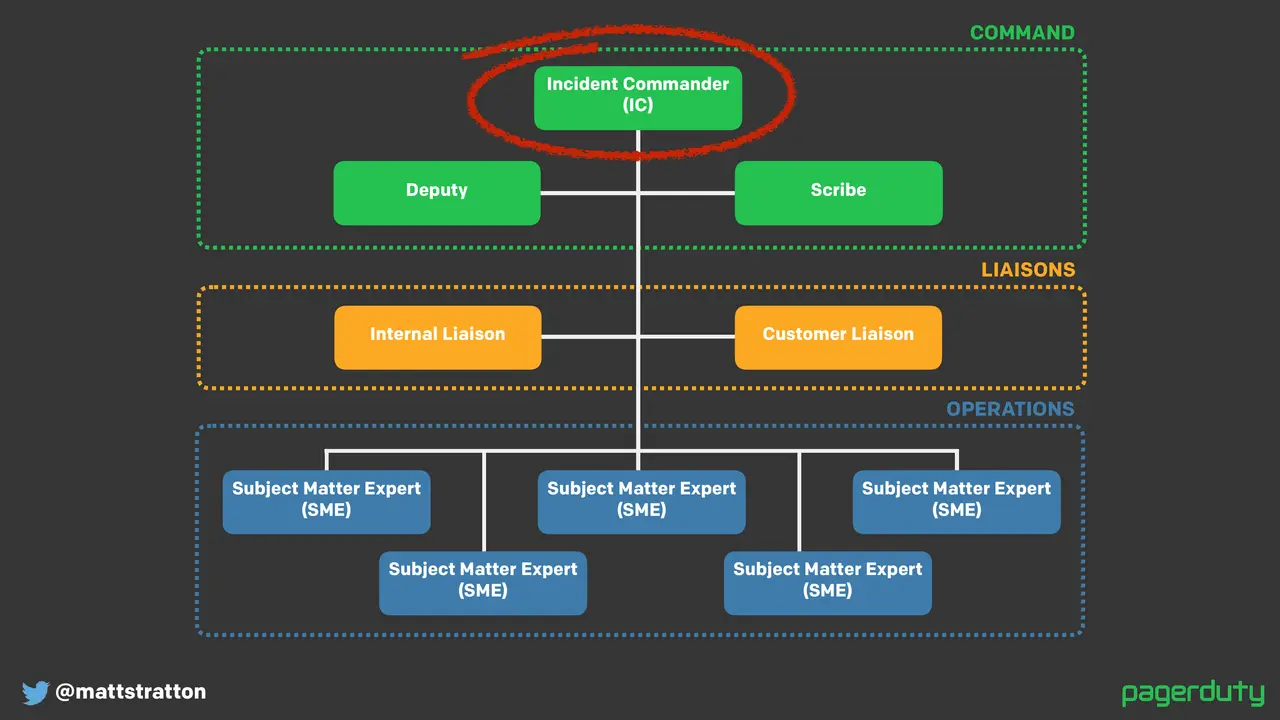
So this is a basic role structure, loosely based on some first responder practices. I think it's important for me to stress that this is how we do it — it doesn't mean you need to do it exactly this way. You may have more or fewer roles, but this gives you a little bit of a starting point.

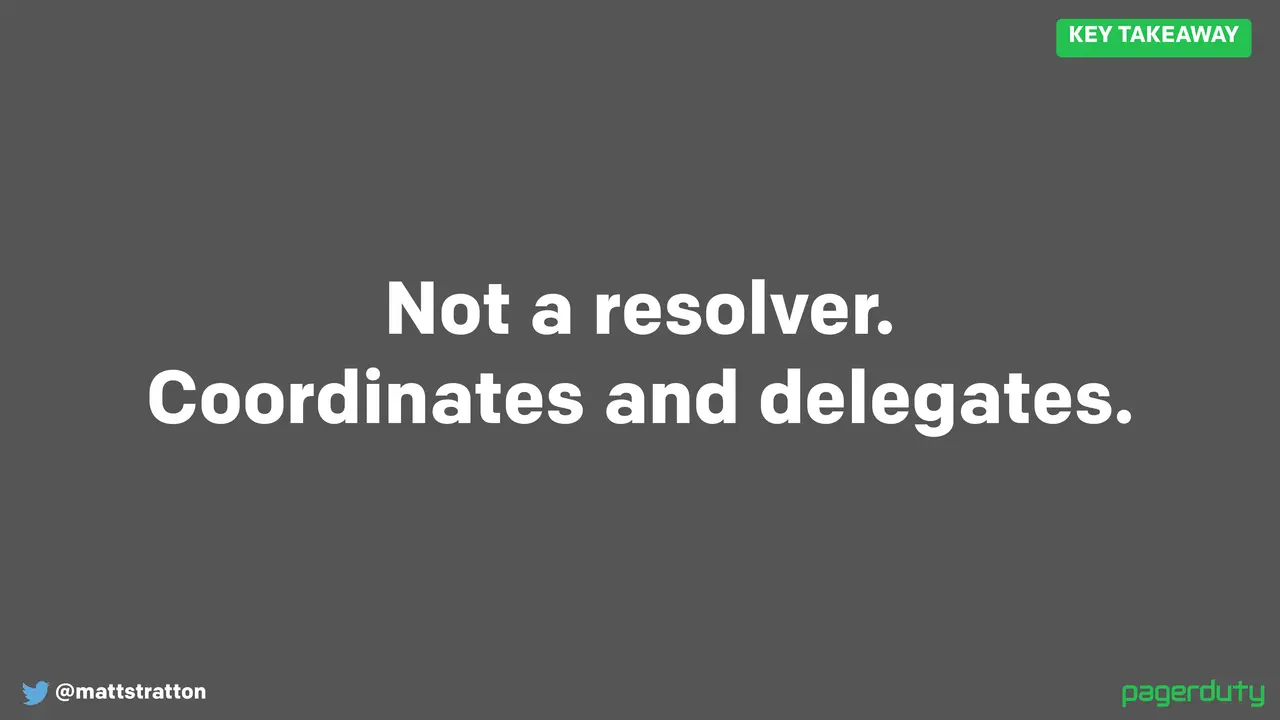
At the top we have the incident commander, and the incident commander is not a problem solver. In fact they should absolutely not be doing anything to try to figure out what is actively wrong — not logging into systems, looking at logs, redeploying code, or doing anything like that. They are managing the incident. They turn the crank that gets us from "things are broken" to "things are less broken" to "things are finally not broken at all." They work as a task dispatcher, as an information hub. The IC can direct people towards the next steps that need to be taken based upon things that happened. One of the key things they talk about in firefighting is that the incident commander during a fire wears a white helmet, and the saying is that if you see someone in a white helmet carrying a wrench, take the wrench away and hit them in the head with it, because they shouldn't be trying to fix anything. That's absolutely still true within IT incident command — they shouldn't be trying to do anything.

We have a deputy for redundancy, because sometimes incident commanders have to do things like take a break for various reasons. Also during the incident there are things like directing and managing information flow, so the deputy can help with things like setting timers and just some of the administrative things that might have to happen. You can see that we haven't combined this with the scribe. Sometimes depending upon the size of your organization or how you're getting started you may have these be the same person wearing the same hat, but the scribe is really important because — as we're gonna learn during the "after" — we're gonna want to review all the things that happened. If we don't have some way of communicating this and keeping track of it, we're gonna have a lot of recency effect problems and we're not gonna really remember what happened.

Then we have the subject matter experts, which is just a fancy term for the people who actually know what to do and are gonna actually try to resolve the issue. Depending upon your organization they may be aligned by teams — you may have the DBA on call, the sysadmin on call, the app admin on call — or they may be aligned by service: you may have the order service application on call, the login service on call, the load balancer service on call, etc. The thing that's important is that the subject matter expert is a person who is most responsible for a given area who also has the ability to most directly affect it. Architects don't make good SMEs because usually architects don't have any ability to actually log into things in production and do things. So it's important that you have this combination of someone who can figure out what's going on and can actually take action.

Remember, we're in "not okay" land when this is happening. This is when things like change control tend to go out the window, because we need to be able to restore service. Your subject matter expert is someone who can observe what's wrong and can actually do something about it.

You want to have a clear understanding of who's supposed to be involved in each role. What's important about this is it lets you understand who is involved at any given time, and also who isn't. Knowing who isn't on call is even more important than knowing who is, from the practitioner perspective — from the person who does carry that pager, figuratively speaking. It helps absolve stress. If I know that when I'm truly not on call I'm truly not on call, that makes me feel a lot better about when I am on call. I have worked in many jobs — and I'm sure a lot of you have too, and some of you may still be there — where you have your time when you're on call but even when you're off call you still might get paged. That really affects your work-life balance and it makes you incredibly unproductive during an incident whether you were on call or not, because it's a fiction.

The thing is, if I know this week I'm not on the hook, I can breathe easier. There are a lot of tricks around this that we've started to do where we make our on-call rotation really short. On call for incident command at PagerDuty is three days, so you're never on call for more than three days at a time. That makes you feel pretty okay with being on call those three days because you know you'll be off for a lot more than that. Versus having — I think about times when I said "I'm on call for a week at a time" at pretty elaborate financial institutions. For a week I can't be more than five minutes away from a terminal — that's a really, really crappy week. But if it's three days I can deal with three days.

Okay so let's talk about during. We're gonna talk about this a lot from the perspective of the incident commander. So we're gonna all pretend that we're learning how to be incident commanders, and by pretending I mean hey guess what — you're learning how to be incident commanders.

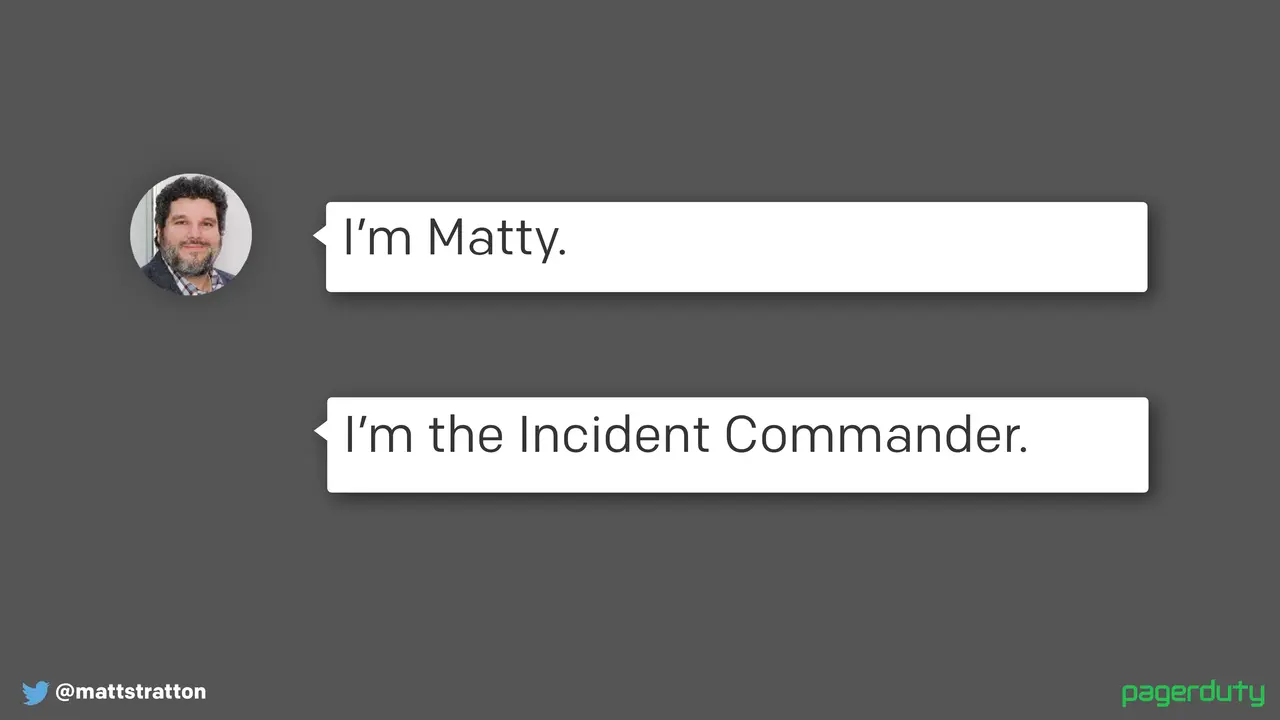
So the first thing that happens: every call starts like this — you introduce yourself and you make it clear that you're the incident commander. The reason we do this is twofold. One, by introducing yourself you're a human, right — I'm a person and you know my name. Depending on your organization you might be like "well everybody knows your name because we're an organization of twenty people" — great. You might be an organization of 20,000 people, but regardless we're saying this is still a bunch of people doing stuff. And by specifying the words "incident commander" it subtly instills this idea that I'm in charge.

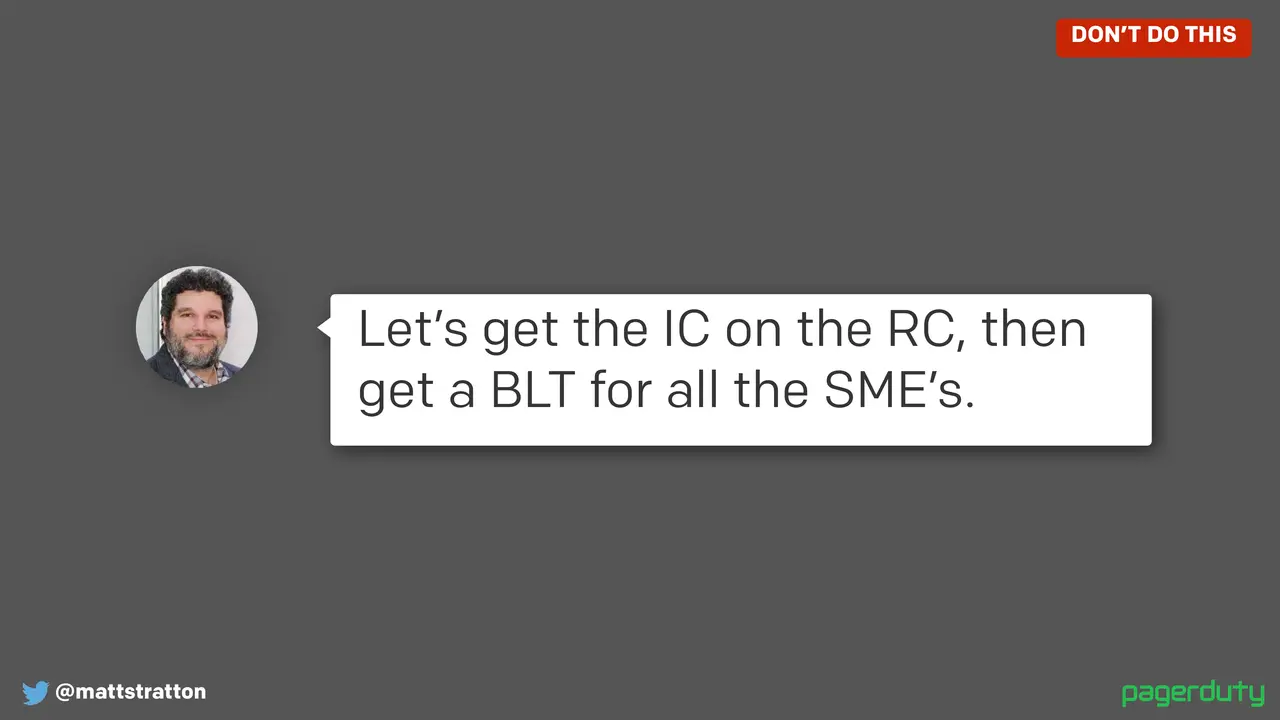
The incident commander for the time of the call is the absolute most important person in terms of seniority and in terms of authority. This is why we don't abbreviate it. We want to watch out for acronyms — don't say things like "get the IC on the RC and get a BLT for all the SMEs." It does a couple of bad things: it can be really divisive to people who are new to our organization who don't know all of our jargon, and it adds cognitive overhead because I have to sit there and parse what all these things mean. Even if I know what all these things mean, I have to say "let's get the incident commander on the response call and then let's get a bacon, lettuce, and tomato for all our subject matter experts" — okay, so I had to spend some cognitive time thinking about what all those things meant. Even today, I've given this talk a ton of times, I work at PagerDuty — I never remember what RC stands for. I think it's "response call," sounds right. So we want to favor explicit and clear communication over all else. Clear is better than concise. Clear instructions are more important than concise instructions. We want to favor explicit information over acronyms. It doesn't mean you have to write the Great American Novel and give a long essay explaining everything, but make sure that the instructions are unambiguous.

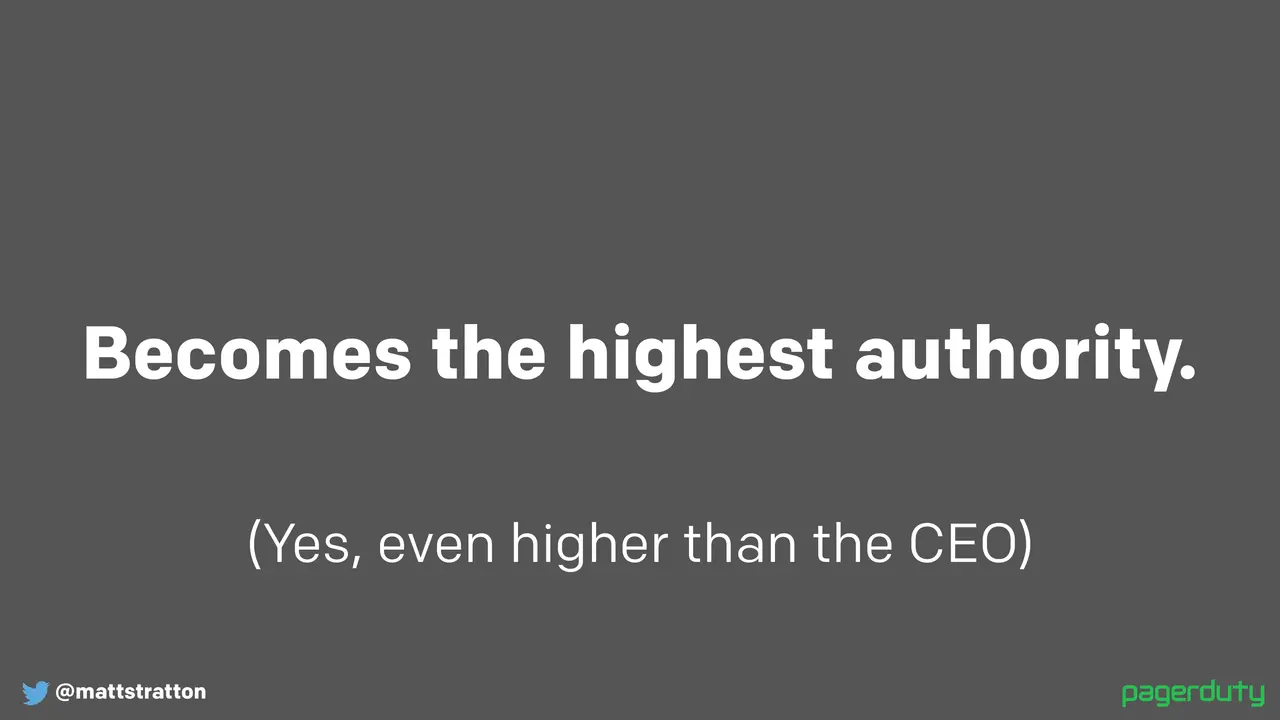
The incident commander becomes the highest authority — yes, even higher than your CEO. No matter what your day-to-day role, no matter what your title is, the incident commander is the highest-ranking person on the call. Just on the call. If the CEO joins, your incident commander outranks them in the incident response situation. This is actually critical for effective incident response, and it does require buy-in from your executives. Don't surprise them with this — it will not go well for you. We had this happen at PagerDuty. Our CEO Jenn, about a year and a half ago when she joined, had not been properly indoctrinated into our way of doing things. She joined a major incident call and basically got on and said "I want this solved in ten minutes." And the incident commander said "Jen, I'm gonna have to ask you to please leave the call." And she did, and was very, very upset. It was explained later. But the incident commander said "you know, that was actually really, really hard to do, but it was very necessary because it's very distracting." And it works.

Again, socialize this before you do it — don't catch people by surprise. One of the things the incident commander does is manage the flow of conversation, which can mean communicating back to stakeholders or making sure there's a method of communication back to the stakeholders. As you grow you can create a larger structure of people participating in the incident. You may have someone who's a communications commander, or whatever you might want to call it, whose entire job is to run the comms — which could be internal and external — how do we communicate to stakeholders, how do we communicate to customers, how do we get people out of the way.

One of the common scenarios we give in our incident command training is what we call the "executive swoop," which I think we've all seen — which is when you're running a call and your CTO or CEO jumps on and they immediately start barking orders. It's really detrimental because you're in the middle of trying to solve a problem and you've got someone who doesn't have context coming in and redirecting things. There's a very simple way to solve for this: as the incident commander you say "okay Jenny, are you taking command of the incident?" And they usually get very quiet and let you return to what you're doing, because nobody wants to run it. Usually people aren't doing this because they are terrible human beings — they're just trying to get some response and trying to understand what's happening. So redirecting in that way can be really helpful.

The communication and the flow of conversation: you're gonna have stakeholders and subject matter experts who might not even be involved in the call yet, and they're gonna want to say things like "hey, I heard from a customer that we're having an issue with our order entry system right now, what's going on?" So the IC can help manage the flow of that conversation. The IC can take that information as it comes in and say "okay, we have a report that says this is going on, I'm gonna get a resource from our app team to see if we've done any pushes lately." That provides some information back. Then the IC goes through and engages the resource — if they're not already on the call, we're gonna engage them. The IC does things like say "hey, here's the problem, I'm gonna check back with you in five minutes. Please come back to me with what's going on, and if I haven't heard back from you in five minutes I will come check with you."

So remember the IC is not the one solving the problem — they're creating the context for everybody else to work together without having to worry about who's doing what, and making sure that they all have the information that they need.

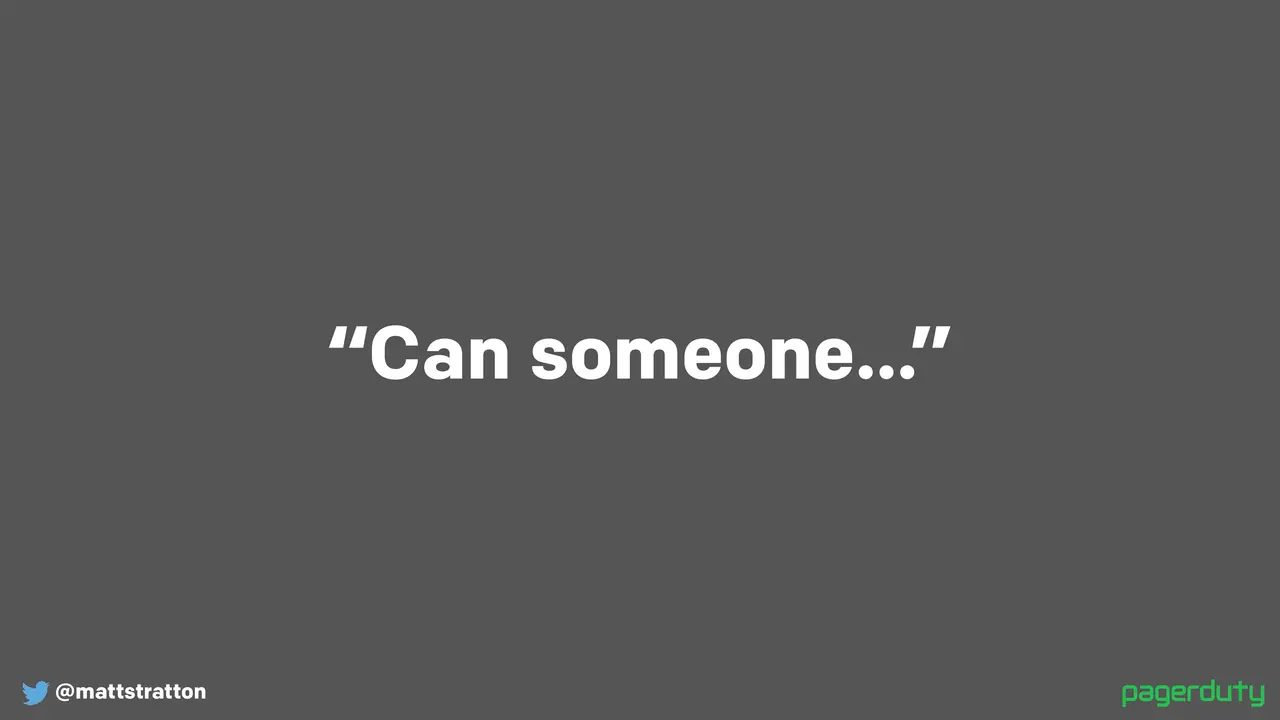
So at the beginning of this I asked if someone could keep track of time. Did anybody actually do that? The reality is it usually doesn't work out so well because of something called the bystander effect. Everyone in the room assumed that somebody else was keeping track of time for me. So never use the phrase "can someone" because you'll hit that bystander effect every time — no one will actually do what you want, and if by chance someone does do what you want, you won't know who it is or that they've started or that they understood it.

A better approach is to say "you — please keep track of the time and give me a nod when we get to 30 minutes, starting now. Understood?" And if I don't get a response back then I'm gonna repeat it until we've got confirmation.

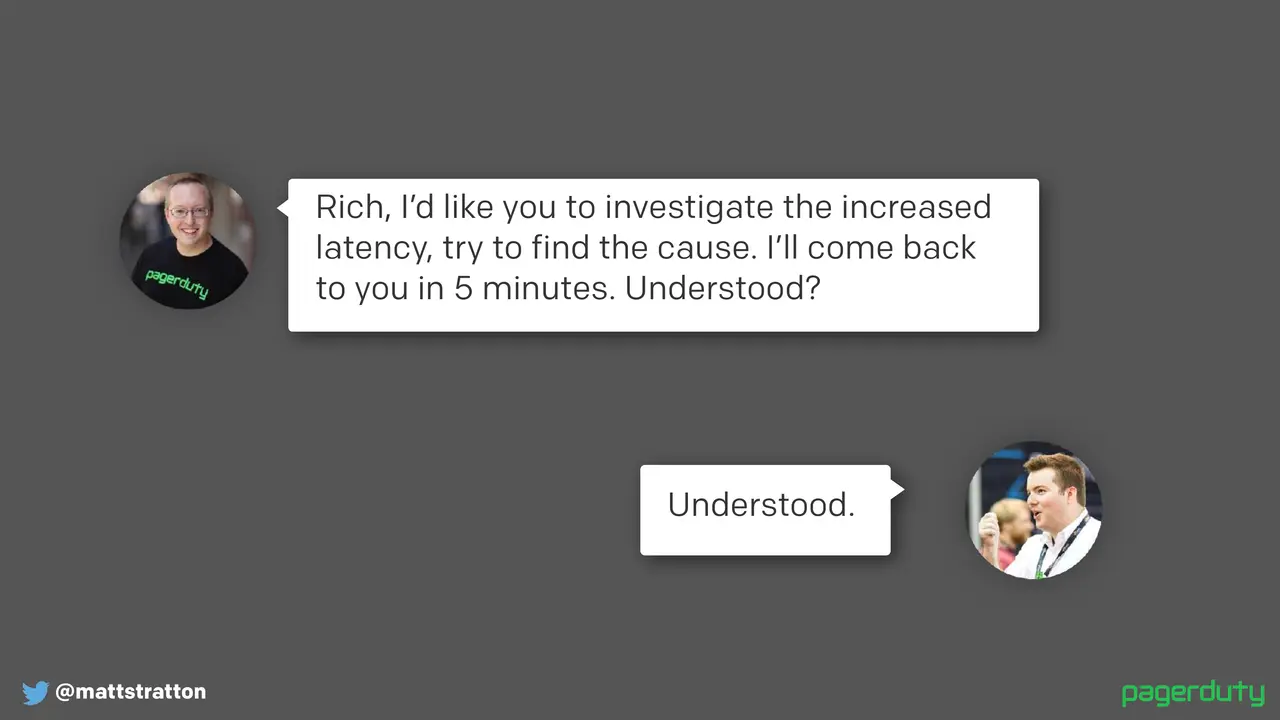
So what about in an incident situation — how might that go? It might be something like "Rich, I'd like you to investigate the increased latency. Try to find the cause. I'll come back to you in five minutes. Understood?" And Rich says "understood." So what's a little bit different? This is a lot more verbose than "can someone," but several important things happened in this exchange. The task was assigned to a specific person. Now it's okay to assign it to a role — you can say "the DBA on call" — but it must be a single individual, it's not a team, because when everyone owns something, nobody does. And we're gonna talk about that a little bit later too when it comes to things like post-mortems. The task was given a time limit, so the subject matter expert knows exactly how long until the IC is gonna come back to them for an answer. They won't be surprised — "oh whoa, you only gave me five minutes?" "I told you I was gonna give you five minutes." And the IC confirmed that the subject matter expert had understood the instructions and was going to carry them out, so you know Eric doesn't come back in five minutes and find out that Rich hasn't actually done anything because he didn't understand what was supposed to be done.

Another thing that's kind of key: humor can be really helpful sometimes on an incident. The team can start chasing their tail, start going down rabbit holes, or just generally not being helpful to one another because it's a stressful situation. As an incident commander you can use humor to kind of move the person doing something not so great out of the flow of conversation.

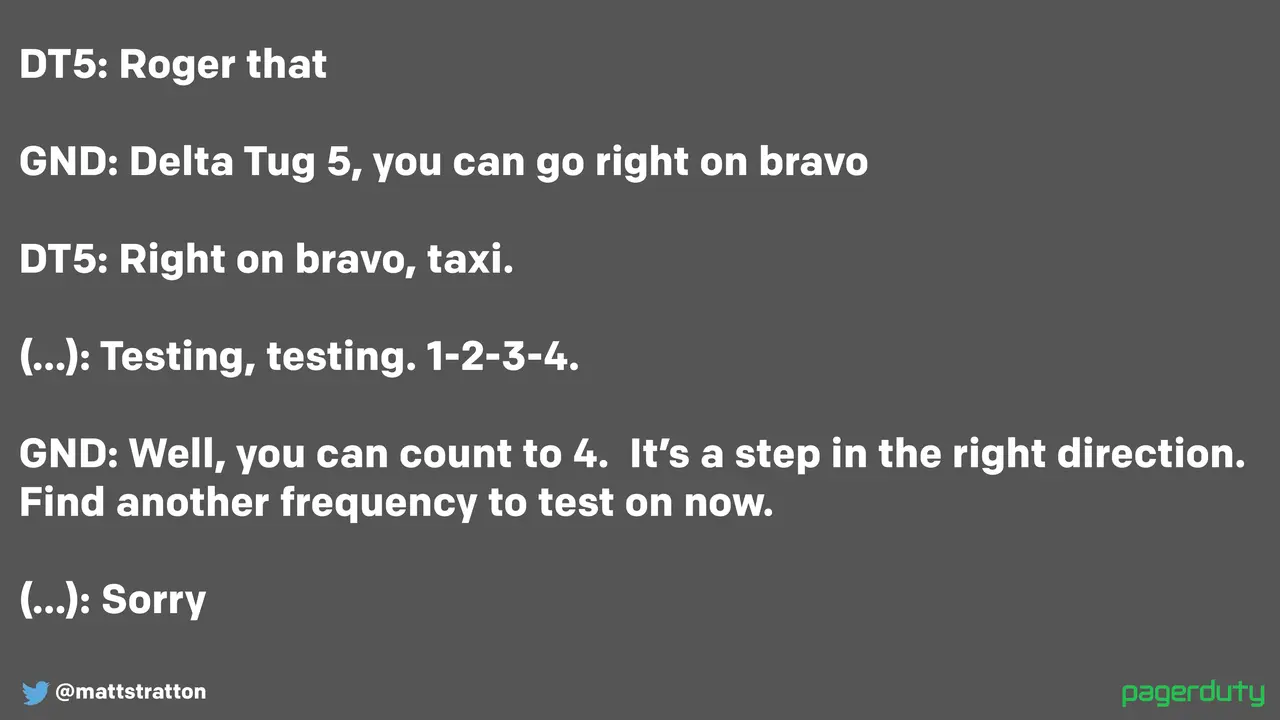
This clip is from air traffic control at JFK. Air traffic control as we said are constantly dispatching people from point A to point B so they don't smash into each other. It's a little funny, but it moved the conversation forward. The ATC made a joke but then he also told the pilot what he needed to do. So incident calls don't have to be super cut and dry — they're important to your business, so humor can be a thing, but in the context of moving the conversation forward.

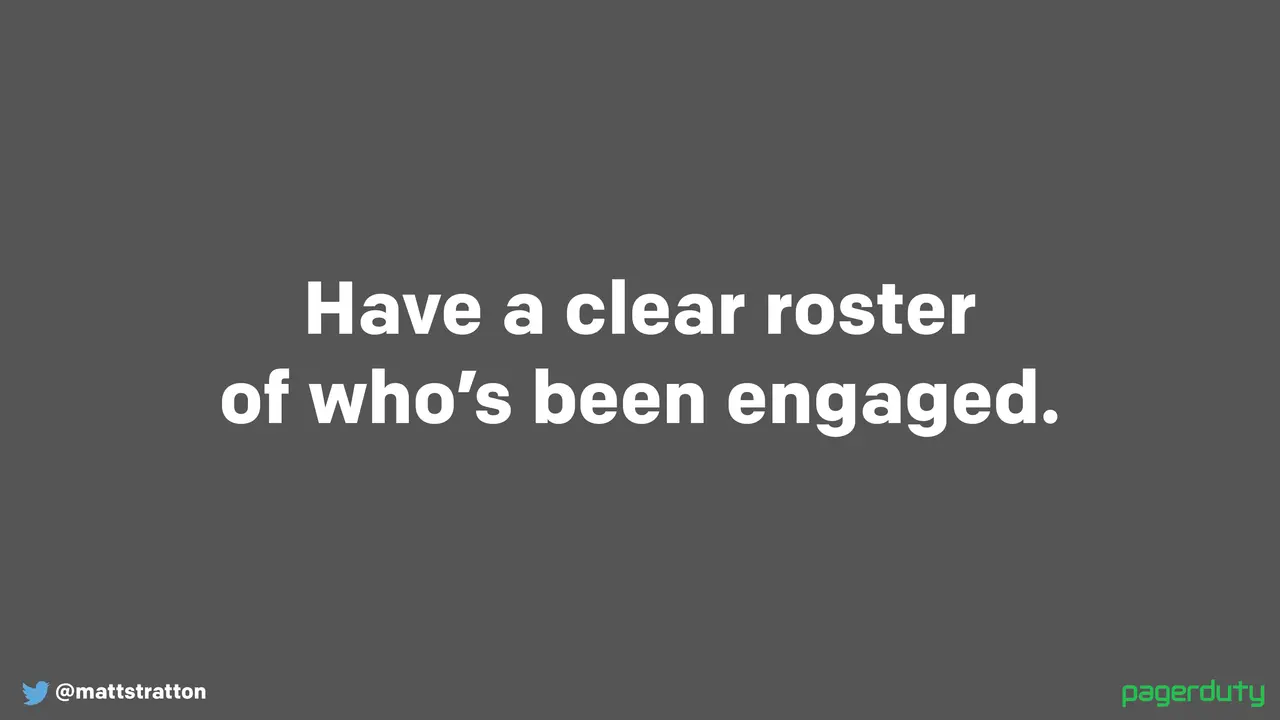
You want to have a clear roster of who's been engaged. Have a roster of who the specific people are in each role — this DBA has the thing going on, this DBA has not been involved. This is gonna be important later, so your scribe needs to know this information.

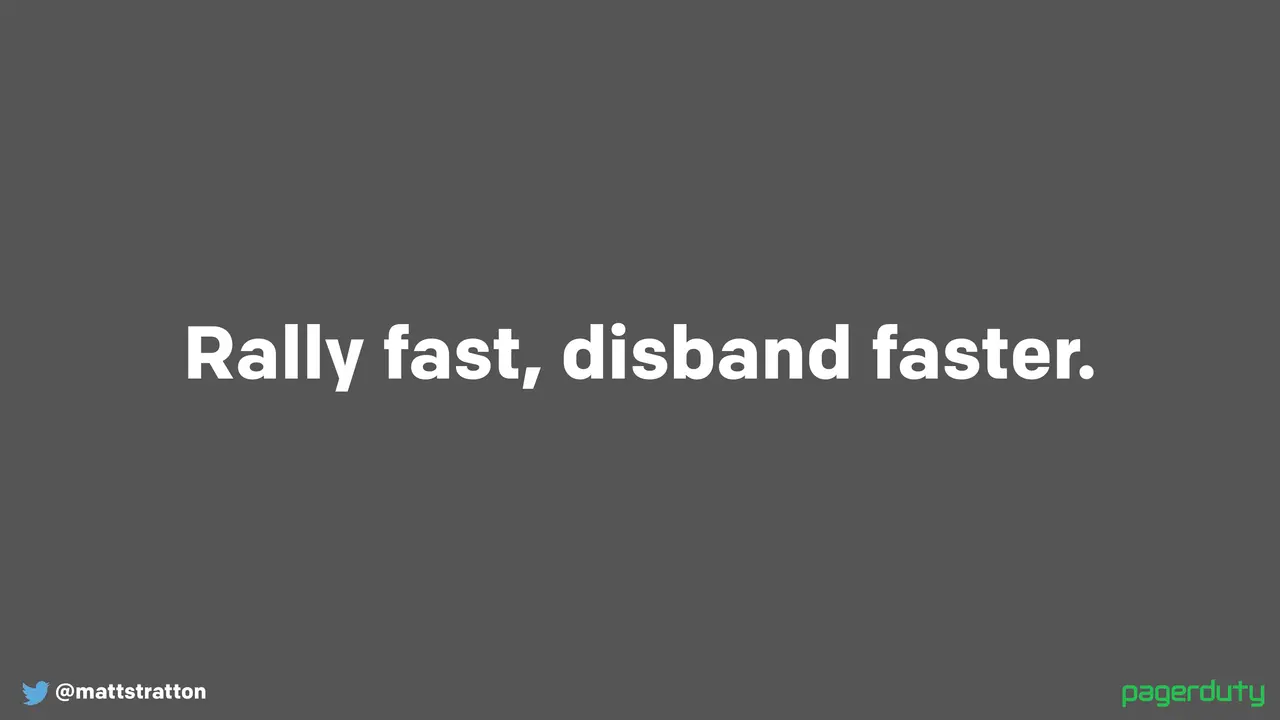
I believe in this a lot, and this goes back to our conversation about the hundred people on the call: rally fast and disband faster. You want to get the right people on the call as soon as you need to, but get them off the call as soon as possible. It's really stressful to be sitting on a call thinking "this is an application issue, and I'm the network engineer, and I'm gonna sit here for the next 45 minutes while the app team goes and tries to push a new change." In the meantime you're getting more and more annoyed and irritated. It's adding stress and cognitive overload and just general annoyance — or fear of annoyance — for the people doing the work, because they're like "oh my god there's like a hundred people on this call all watching me and waiting to see what happens." Nothing good comes of it. So as the incident commander, start kicking people off the call as soon as they aren't needed. Don't worry, you can get them back. Set the expectations: "okay Rich, I don't think we need you anymore, so I'm gonna ask you to leave the call. Keep your phone on you, we'll call you if we need you again, but go ahead and go back to bed." That really helps a lot, because then when you do need them he hasn't been sitting there being annoyed — he's ready to go.

You want to have a clear way to contribute information to the call. How do subject matter experts share their information? You may say "we make all of our communications through a voice bridge," or maybe "we're doing it in the Slack channel and that's how things get communicated." One of the ways we do that at PagerDuty is the conversation happens, the information is communicated from the subject matter expert via mouth-words on a voice bridge, but in the Slack channel anyone can follow along and the scribe is saying "okay, this is what Jimmy just said: X, Y, Z." So that information is being contributed.

You need to have a really clear mechanism for making decisions, and this is an area where, along with the phrase "incident commander," it becomes somewhat controversial. But you always want to remember that "okay versus not okay," "emergency versus not emergency" — this way of making decisions that I'm about to describe to you is perfectly good and well-suited for incidents, and super not the way to make decisions as a group when everything is going well.

First thing to make sure to remember: if it's so easy that anyone can do it, then a computer can do it. So save the call for decisions that require humans. If things are simple, let the simple computer do it. So the first step is to make sure the only decisions we're making are ones that actually require a human's brain.

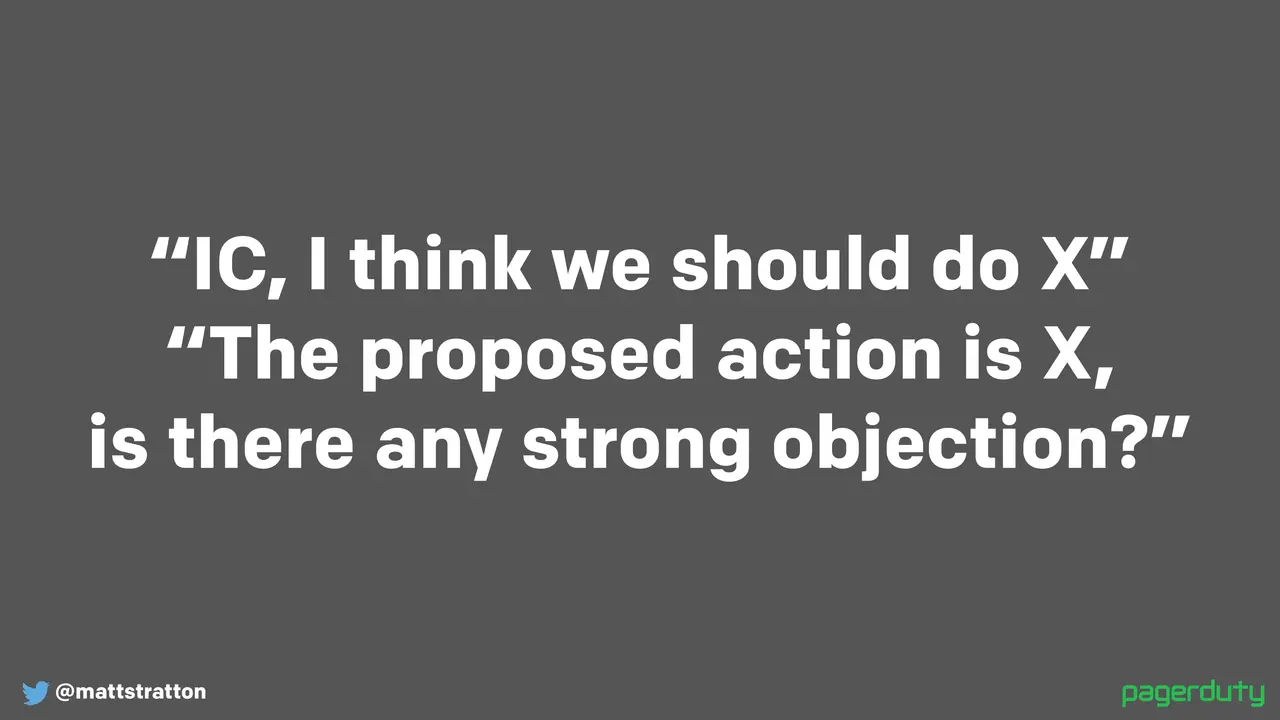
This is how it goes: "incident commander, I think we should do X." And the IC says "the proposed action is X — is there any strong objection?" There's a little bit of psychology going on here. First thing that's happening that's important is we're stating very definitively what the proposed solution is, and then we're saying "is there any strong objection?" The two good things that come out of this: first, asking "is there any objection" is a lot faster than saying "does everybody agree?" Because "does everybody agree" means I have to go ask for input from everybody. "Does anybody disagree?" — I just have to listen for that. It reminds me of going backpacking in Boy Scouts: you wouldn't say "is everybody ready?" you'd say "is anybody not ready?" Because that's what you want to listen for.

"Is there any strong objection" — this is how we make sure we don't start going down a bike-shedding exercise of "well that's not the optimal thing we could do, let me get my opinion in there." And this is where it gets a little controversial, because people say "well maybe I'm not comfortable raising a strong objection." During an incident you have to be — if you care enough then you've got to stick up for it. The other thing that's controversial is it's better to make any decision — it's better to make the wrong decision than to make no decision. Again, this is true during wartime. It is not true during peacetime. We want to make sure that we're making forward motion.

Capture everything. Call out what's important now versus later. Write it all down. You might say "okay, we actually kind of realized that the problem is the temp drive was filling up because of logs and we really should get around to writing a shell script that'll be a cron job that rotates those logs" — don't do that now. But capture it, because you're gonna come up with a lot of ideas during the call that are not effective to do during the call. Make sure they're being captured so that you can figure out what your next steps are.

And there's one last thing: you need to assign an owner to the post-incident review before the call is over. Again, we've restored service — yay, okay, people can place orders again, awesome. All I want to do is get off the call. Not yet. We absolutely need to make sure that the post-incident review, or post-mortem, or after-action report, or whatever we want to call it, has been assigned to a person. The incident commander does not necessarily have to be the owner, but it has to be assigned. And again it needs to be assigned to a human — it's not assigned to "oh well the development team for this application will do it." Nope, Jimmy will do it. Because again, if everyone owns it, nobody owns it.

So let's talk about the after — what those things are. Has anyone here heard of blameless post-mortems? Good. If you're not familiar, you can Google them. A lot of times it could be a whole talk in itself to talk about blameless post-mortems. Their name will get you about halfway there. I also have resources at the end of this deck — I point to a blog post from about six years ago that John Allspaw wrote when he was at Etsy, where he introduced the idea of blameless post-mortems.

So the whole thing is: after an incident, whether you call it an after-action report, a post-mortem, or a learning review — I don't care — what you're doing is you're capturing all the information about what went right, what went wrong, and you're gonna review it. This is incredibly valuable, and you want to do this for all your incidents. Think about it this way: the NTSB has reports on all crashes, even if they aren't fatal.

Don't forget that the impact to people is part of that post-incident review as well. Think about what happened to humans because of what happened. We tend to go down this path of saying "well, we realized that the problem was we didn't have a Nagios agent on this particular service, so that's why we didn't know about it and it caught us from behind" — blah blah blah. But what we don't do is we don't say "hey, someone got called at 6 p.m. at their kid's birthday party because she was the only one who knew the information and she had to miss her kid's birthday party." That's actually a huge problem to the organization. If we can identify this, it helps us in the future alleviate stress on the individual, but it also makes our organization a lot more resilient. Because if that happened, we have an organizational problem that we need to be able to fix, and we want to look at it in the light of day when we can do something about it, not when we're in the middle of stress.

This is painful but valuable: record your incident calls and review them afterwards. You can play them back at 1.5 or 2x speed like you're listening to a podcast. This helps you find the things you didn't catch at the time, or might not have addressed in the review. When you're writing and doing your post-incident review, you run into the recency effect a lot — a lot of post-incident reviews have a lot to do with what happened in the last hour of the incident, because that's what you remember. You might remember some of the stuff that happened at the very beginning, but all the stuff in the middle is what you forget about. So it's always good to review these calls. Again, it can be painful, but it's valuable.

Another thing that's really key — hey, continuous improvement, that's part of DevOps. So you want to regularly review your incident process itself. Do that quarterly, do that annually — just make sure you're asking the right questions. At PagerDuty, at a certain point everybody in the company got paged during a critical incident. That worked great when the company was 60 people; it doesn't work well at 400. So you're continually changing how you do things. We're in the process ourselves of going through our incident response process and saying "how do we add commercial response as a formalized thing, how can we get better at that?" We think we're pretty good at it, but how can we do better?

And then finally: who's seen the movie Apollo 13? Pretty good movie. If we think about what happens in Apollo 13: you've got a large number of technically adept people who are very good at running their infrastructure, they've got some monitoring in place, they've got an end user, and then suddenly their monitoring is telling them something slightly different than what they're used to seeing and their end user is calling to tell them that the thing isn't doing what it normally does. Does this sound familiar? It's an IT incident. The movie is a lot more dramatic than real life, but this is the first two minutes from the point of explosion of the actual flight director's loop of Apollo 13, and this is actually a really interesting illustration of a good incident call.

I want you to listen for when the subject matter experts start to offer information. Listen for pushback — the incident commander says "I think you're giving me information that is not correct." And then listen for when the incident commander starts the problem-solving loop: "okay, we've got some information from you, we've got some information from you, let's start putting it together and let's see what happens."

The point is we can borrow a lot from different industries. Every issue with our user signup form isn't the same thing as an Apollo capsule having a caution light go off. This is also a lot less dramatic than the Ron Howard version — everybody sounds a lot calmer. But it's an example of what a really good incident call can sound like. The entire loop of all the flight guidance and flight control is on YouTube, which is pretty cool.

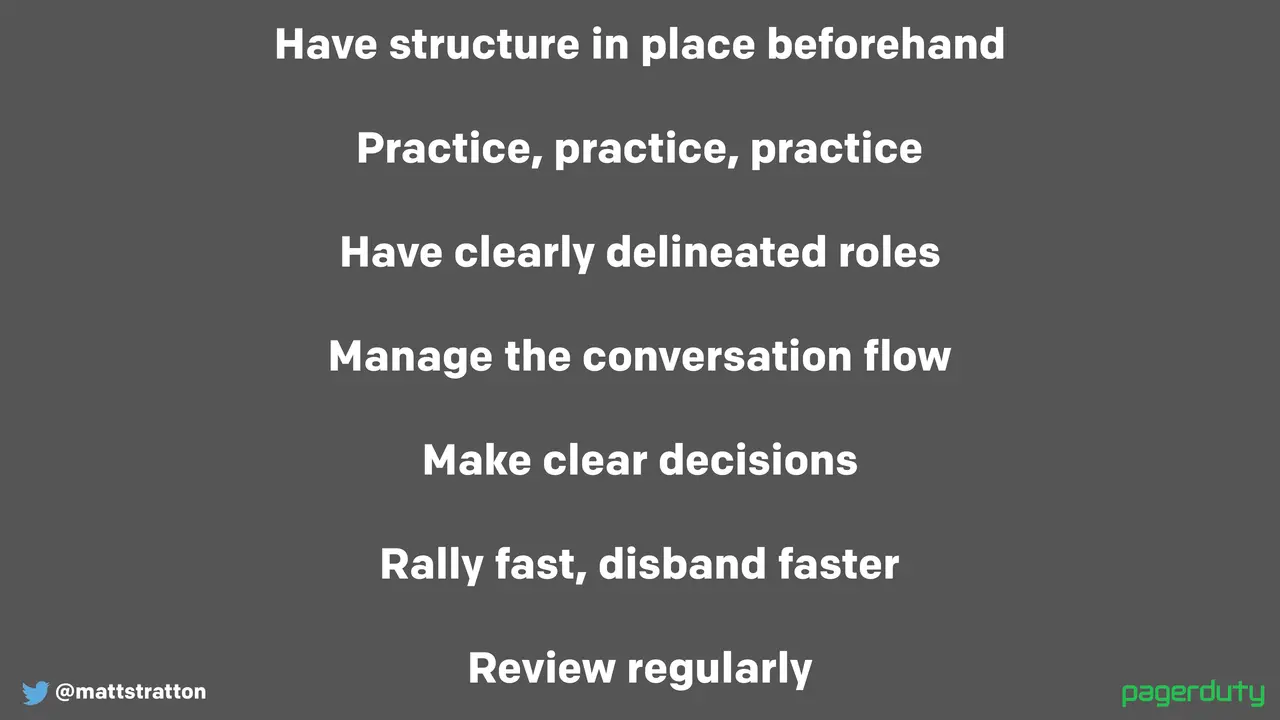
So a couple things to bear in mind: we want to have our structure in place beforehand, we're gonna practice a lot, have our clearly delineated roles, manage the flow of conversation, make those clear decisions, rally fast and disband faster. I believe in that really strongly. And continually review.

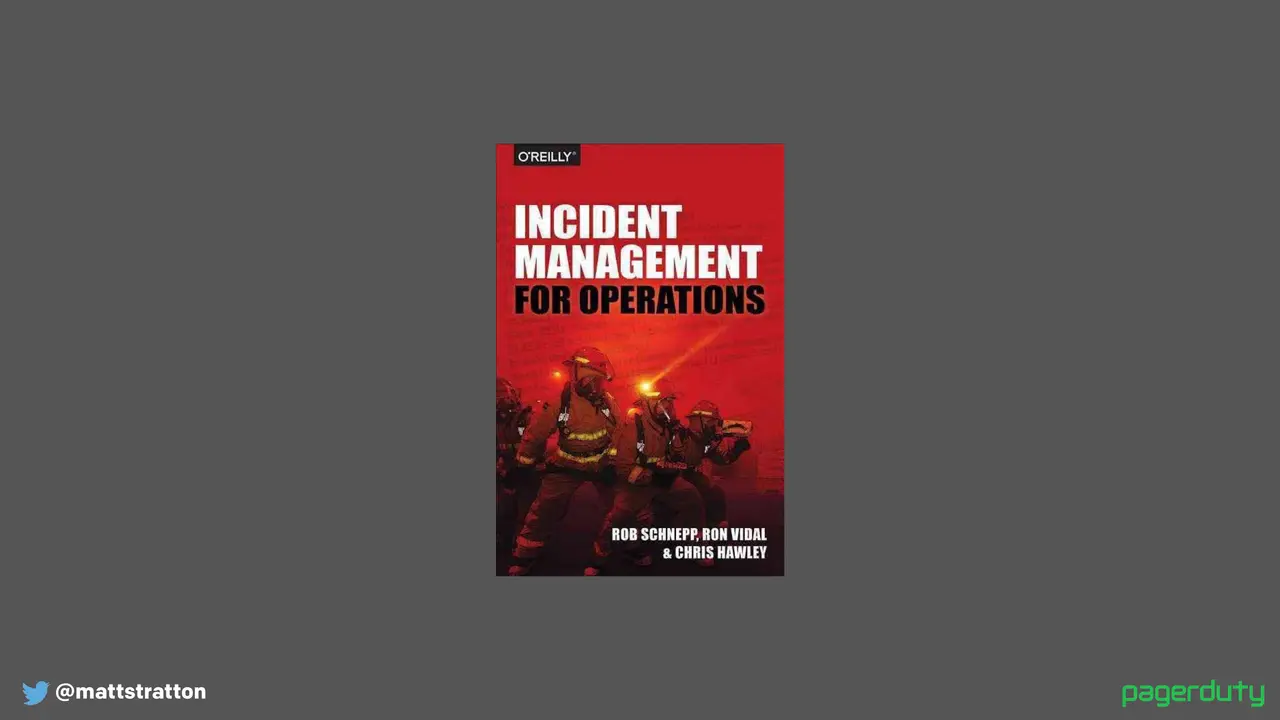
If you want to learn a lot more about this, the folks from Blackrock wrote this book for O'Reilly called Incident Management for Operations. This was the book and the practice that Blackrock follows that was the inspiration for how we do incident response at PagerDuty. So I highly recommend this book.

And just bear in mind: don't panic, stay calm. A couple of the folks who helped create our incident response process at the company spent some time doing training with first responders — not actually going in fighting fires, but just more classroom training with them. One of the things that one of the firefighters told my colleague Eric: "You know, a lot of times you'll be fighting a fire and a homeowner is panicking — as you would be, your house is on fire." And he said "hey, look, this may be your first fire, but it's not our first fire." That's a way to think about it. You're gonna have business owners, you're gonna have folks who are panicking and freaking out because their service is down. This may be their first fire. It's not your first fire. We practice a lot.

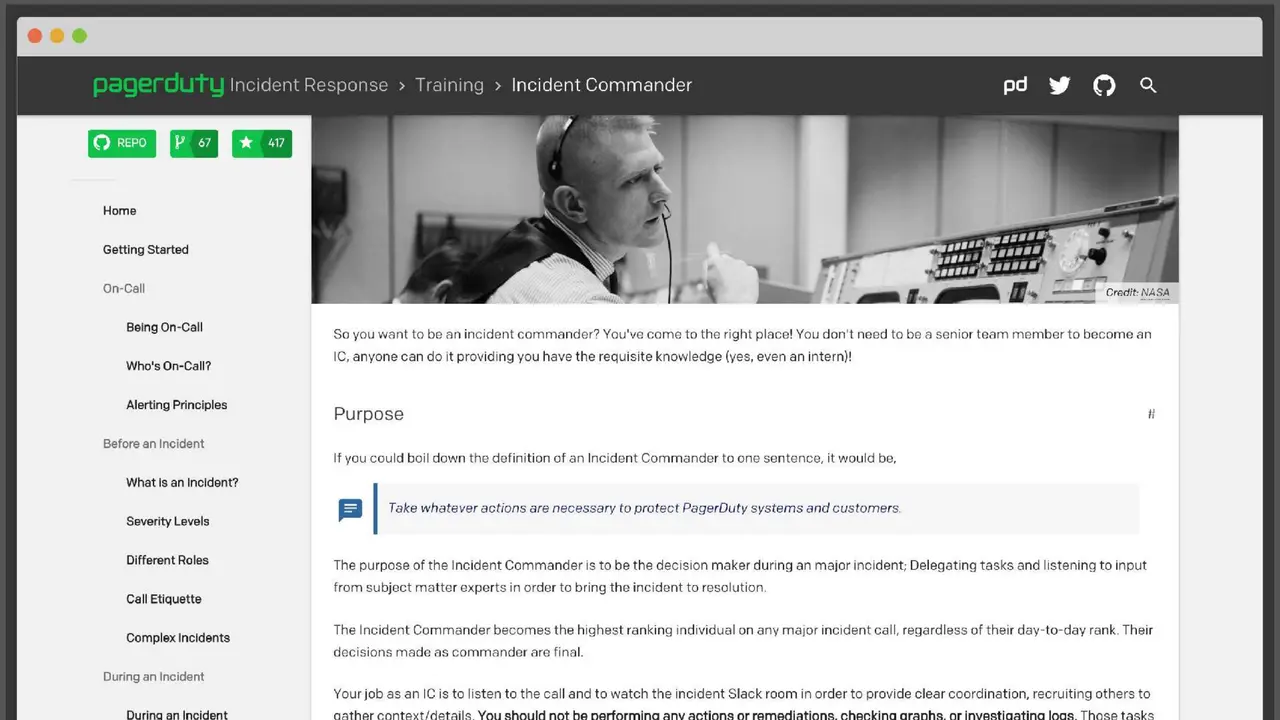
We've also open-sourced our incident response docs. They're available at response.pagerduty.com, they're on GitHub, we take pull requests to them, and our entire process is online as well as all of our training material. So you can check it out and you can always fork it from GitHub and use it as a base for your own internal documentation. Again, I can't stress enough that this is what works for us and it's a great place to start, but there are probably things that we do that you might not need to do, and there may be things that you need to do that we don't do. Don't cargo cult it.

Just a couple of the resources: there's a YouTube channel of angry air traffic controllers and pilots — that's where we got that ATC clip from, it's just absolutely hilarious. There's the blameless post-mortems from the Etsy Codecraft blog, back in May of 2012. We did an episode of my podcast, Arrested DevOps, called "Incidents and Accidents" — go figure — "Examining Failure Without Blame." It's my podcast co-host who came up with the title for this particular talk as well. She really likes Paul Simon. And again, always note: response.pagerduty.com.

Any questions, any thoughts, any feedback? I'm open to hear what you have to say.

What percentage of our man-hours? So Failure Fridays are about three hours long. It's not everybody in the organization participating — the participation is whoever would be on call for that particular service at that particular time. And then we have a chaos guild that kind of structures it. I guess you would say we spend about three hours on Friday and then there's about an hour on Wednesday, which is the chaos guild meeting where we make the plans for Failure Friday. So as a percentage it's probably even less than that because not everybody's participating.

And it could be small too — you don't have to completely take down your load balancer or something like that. In fact, I would recommend you start doing failure injection at a very small level, because the first place that it's helpful for you is not for testing the resilience of your system. Think about it: are you doing it to test your incident response process? At PagerDuty we have a pretty aggressive uptime because if we're down, everybody is screwed because you can't find out that you're down. It's always something I find interesting — I never really realized until I worked at the company how exciting it is to be an SRE at PagerDuty. Our uptime requirement is there is no planned downtime. We have zero maintenance windows. So we have to be able to have failure injection that does not cause degradation. And that doesn't mean we get to cherry-pick what we do failure injection on, because technically nothing can fail to the point of causing service degradation — the redundancy of systems has to exist. I'm not a hundred percent sure what our actual literal contractual uptime numbers are and I'm certainly not gonna share with you what I think they are because this is on YouTube and I'll get in trouble, I'm sure I'll be wrong. But I do know that we don't have maintenance windows. Unplanned downtime is a thing that happens, but even then that's considered unacceptable because of the impact that it has.

When we think about services like PagerDuty or GitHub or parts of AWS — what happens when GitHub goes down? Everybody stops being able to work. That's kind of a big deal. When Amazon takes an outage, PagerDuty has to stay up, because how else do you know that your service is down because us-east went down? So it could be a lot of stress, but then again your requirements may be different.

If you backtrack it all the way back to what defines an incident — and especially what defines a major incident — those are the things you want to test. And you can test them in a game day even without doing a failure injection. You may say "we're not actually doing that because our system is not resilient enough that we can just shut a server down and everything will be fine — we're not there yet." That's okay. But let's do it on paper. Let's pretend. This is gonna be our way of running a game day, understanding exactly what would we do and finding out where those holes might be in a safe way. And then once you feel like you've got it, go ahead and roll those dice. It's a whole other conversation about chaos engineering.

There was a really good article that I read a couple months ago about explaining chaos engineering to the C-suite, and especially about doing Failure Friday — and maybe don't call it that, that was one thing I definitely remember.

So we name things — we're very cynical in this business, I think.

A couple things I wanted to mention: DevOps Days Kansas City's coming up, which is great, and I'm gonna try to be there. DevOps Days Chicago — Chicago is not too far, it's just like a little hour-and-a-half plane ride from here. This will be our fifth one, it's August 28th and 29th. Our CFP is closed — in fact once I get around to it I'll be posting our program, we've got that settled. But I can give you a couple little spoilers: we've got Donovan Brown from Microsoft speaking, Andrew Clay Shafer, who was one of the folks who invented the word DevOps, and he's gonna be speaking with us, and we've got some local stories. I'm really excited about our program so I highly recommend coming to join us, it's a fun time. And if you'd like a podcast, I have a podcast called Arrested DevOps. I've got some PagerDuty stickers, some Arrested DevOps stickers and buttons and stuff over there, so help yourself. I'll be hanging out for a while afterwards — we can chat about things being broken and how to make them less broken and all that DevOps stuff. Thanks for letting me be part of this tonight.